Assistants
Your team asks ChatGPT for help, but nothing is saved or shared. Humans still do all the work.
No jargon. No hype. Just practical AI: where your business stands and how to move forward.
Jerry Ilao is an AI business strategist who helps Philippine businesses move from AI experimentation to practical adoption. He created The 4A AI Roadmap, a practical framework for knowing where your business stands with AI and what to do next, is Founding President of the Philippine AI Business Association (PAIBA), and has led 200+ transformation projects since 2014.





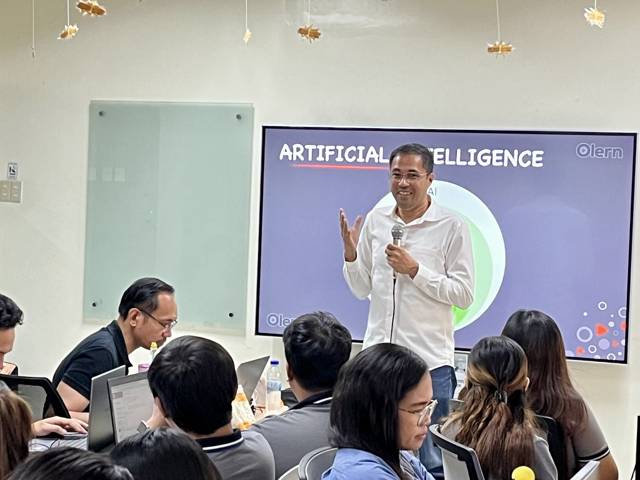
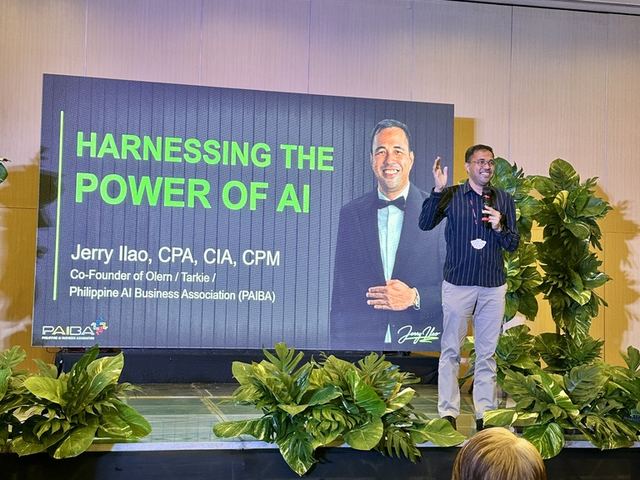
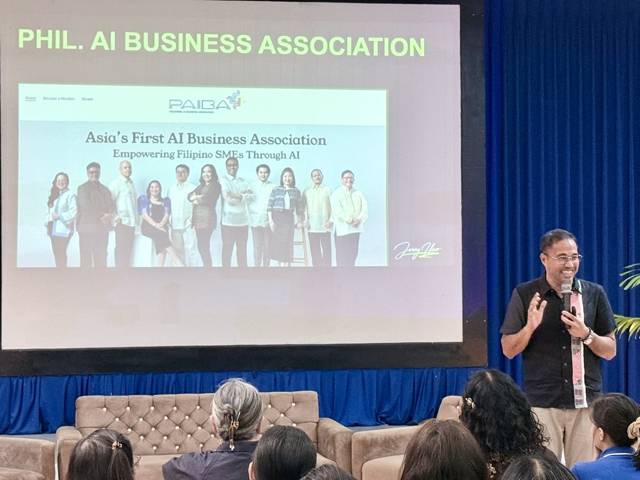
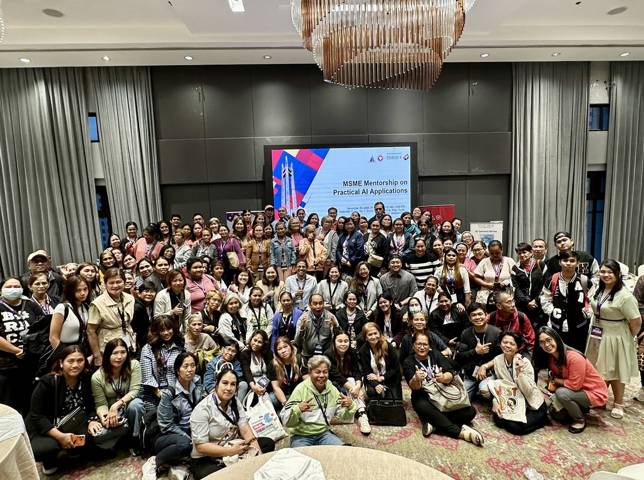
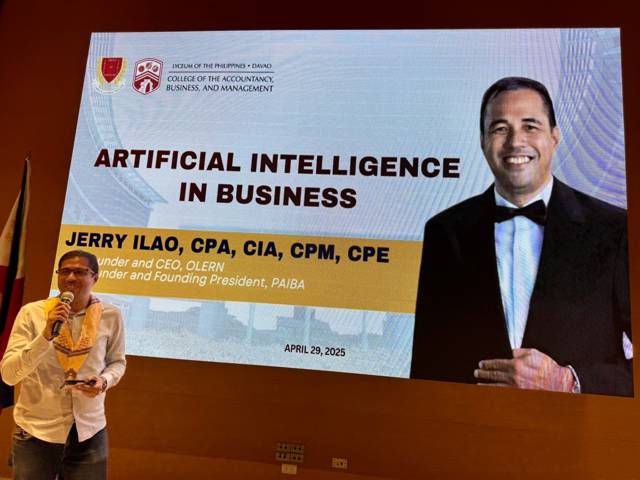
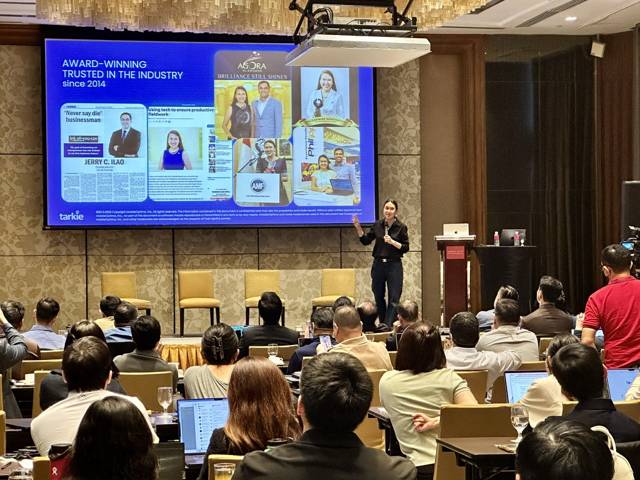
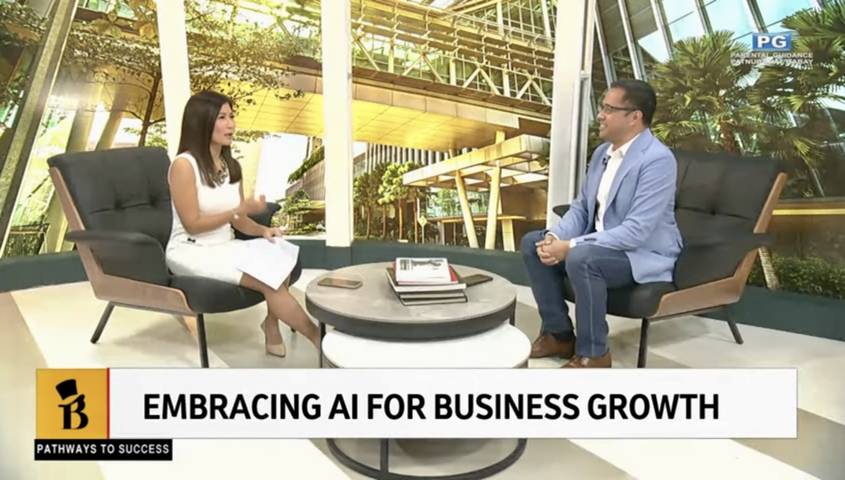
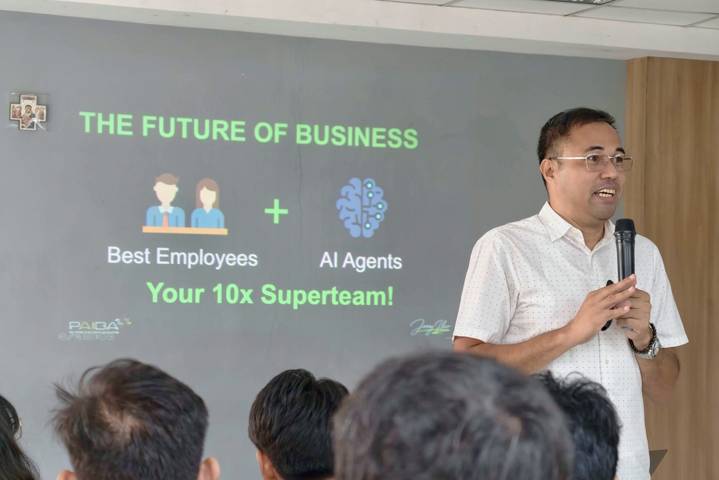
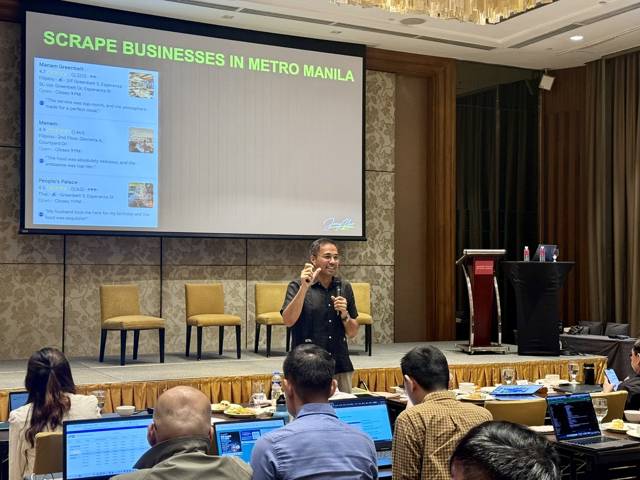
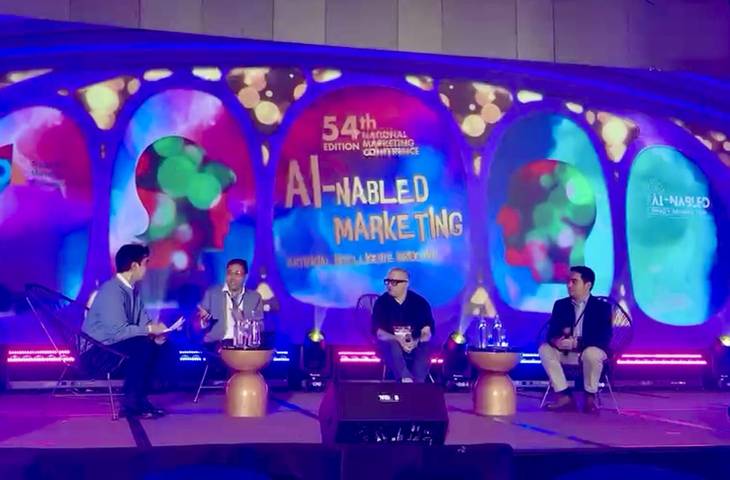
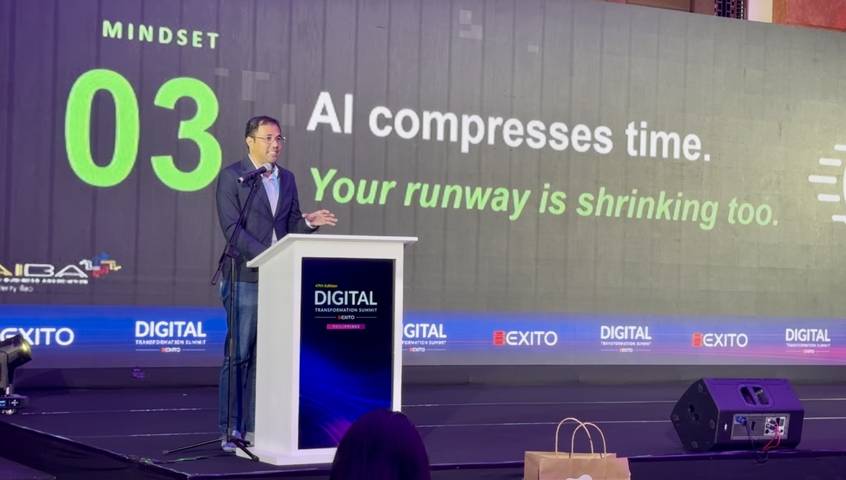
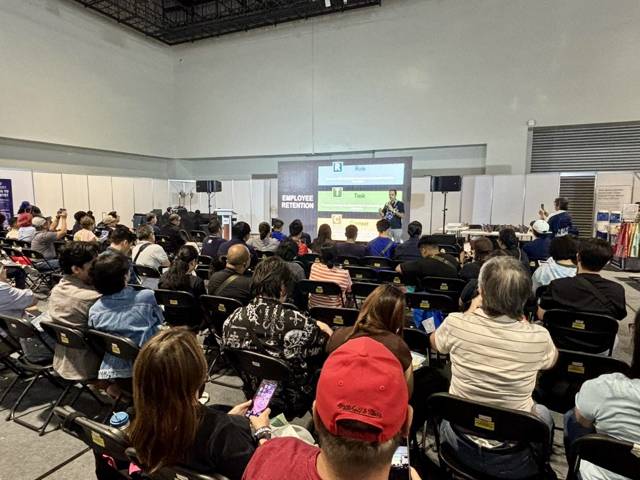
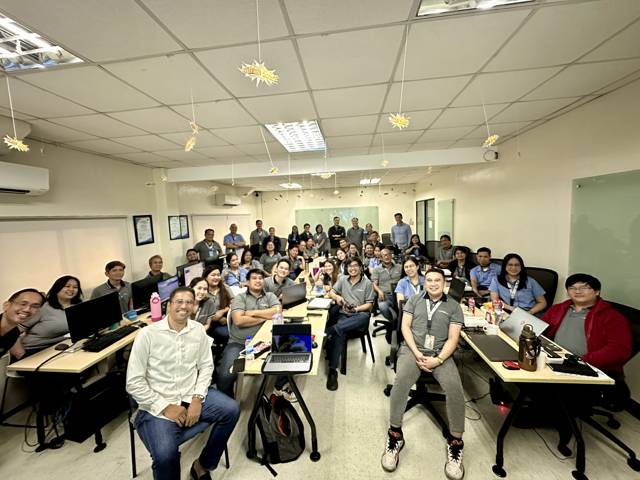
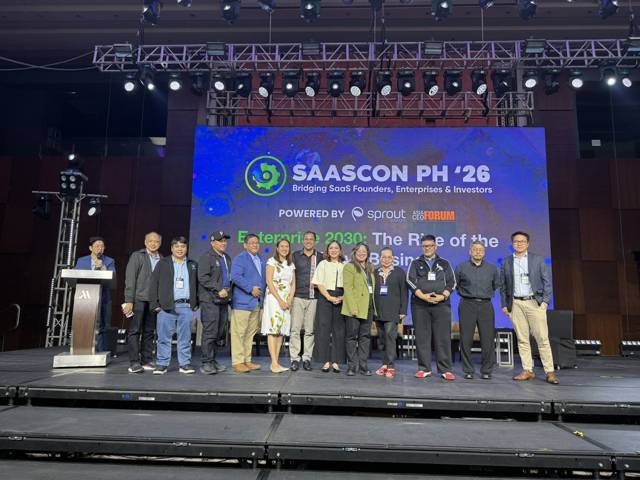
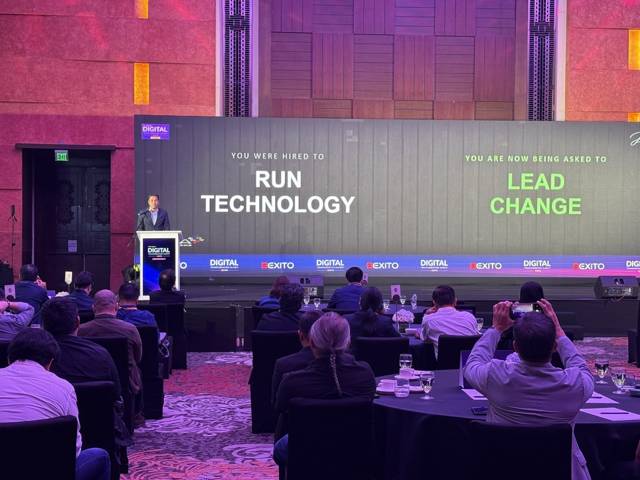
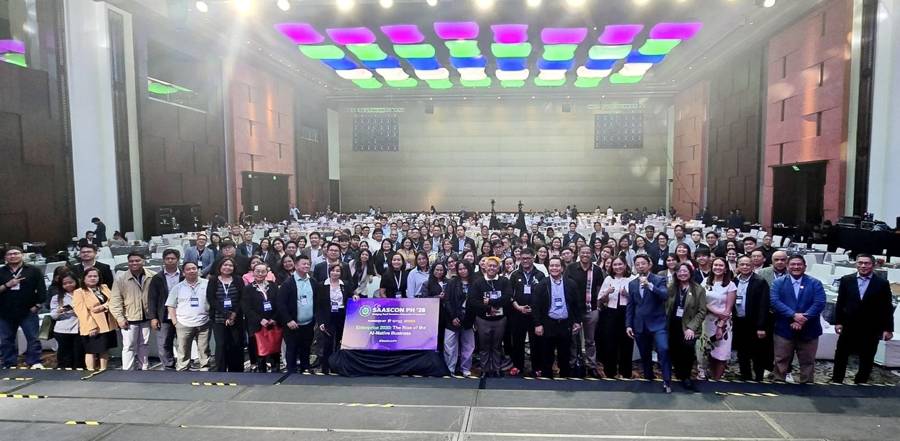
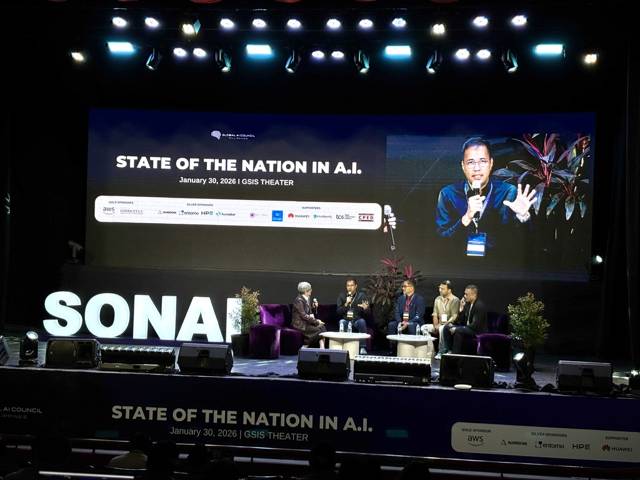
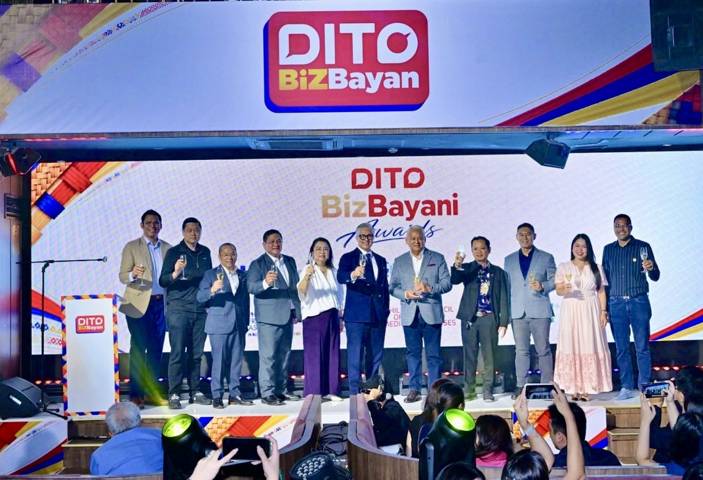
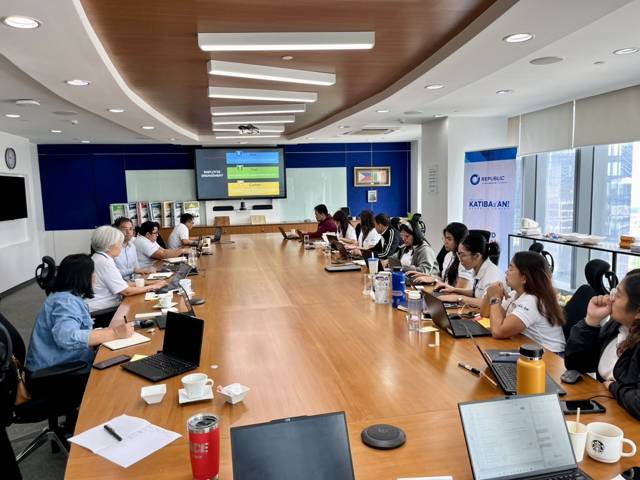
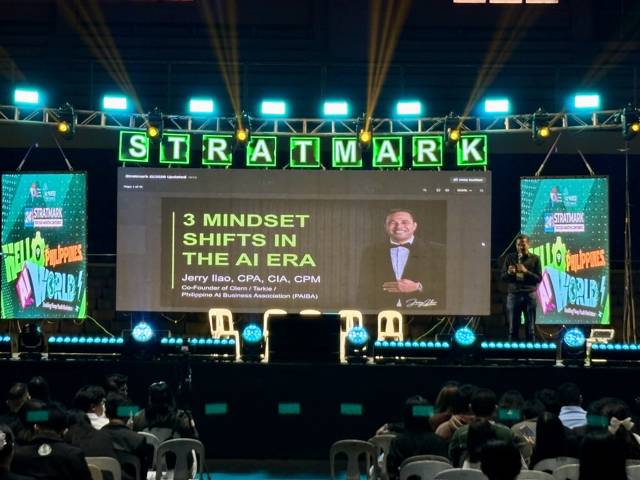
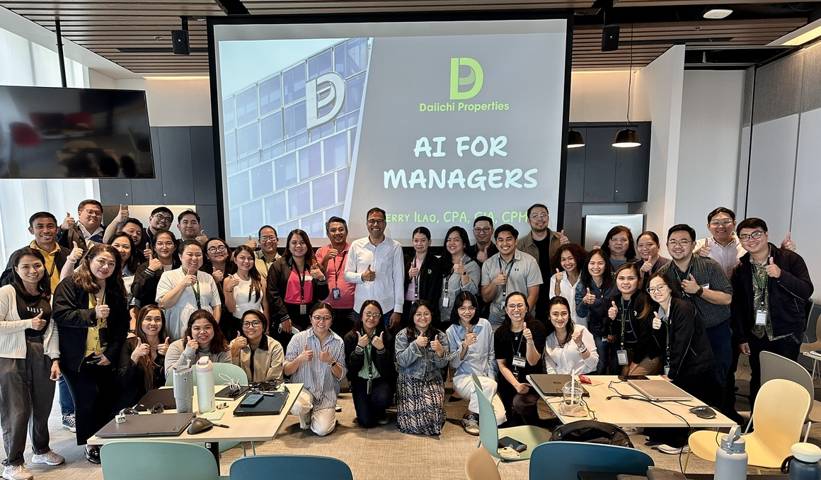

Keynotes, boardrooms, workshops, and summit stages across the Philippines — a sample of the rooms behind the roadmap.
Teams trained & stages keynoted
McDonald's · 3M Philippines · DITO Telecommunity · Republic Cement · Philippine STAR · Lapanday Foods · Motor Ace Philippines · Daiichi Properties · Metalcast Corporation · Lots'A Pizza · Global A.C. Cosmetics · MASS SPEC · First Georgetown Ventures · Anvil Business Club · Iloilo Business Club · Ateneo de Naga University · LPU Davao · PCCI Quezon City · NWPC (DOLE) · Department of Agriculture (PRDP) · Sprout SaaSCon PH · PrintCon · State of the Nation AI (SONAI) · Digital Transformation Summit
The free 5-minute assessment: your level, your one next move, your 90-day plan.
Take the assessment →Keynotes and masterclasses for conferences and leadership events — tailored to your event’s theme.
Check a date →Corporate workshops and the public masterclass. Your team leaves with their level’s toolkit filled out for their own business.
See training →Ready for Level 3? AI agents that arrive already trained — from my company, Otoma.
Meet Sam →Otoma is Jerry's company — clearly his, clearly disclosed.

Digital Transformation Summit · main-stage keynote
The talks and the training come from a decade of helping Philippine businesses take advantage of technology to grow: automation first, now AI. That's where the 4A AI Roadmap comes from, not a textbook.
So when I train your team, we don't stop at concepts. Executives leave with a decision. Managers leave with a plan. Employees leave with prompts they'll use tomorrow morning. Every session runs on the same roadmap, taught on your business.
Book Jerry to speak → See corporate training → AI strategy consulting →

At Motor Ace Philippines, the President, CEO, department heads, and management team used AI during the workshop to test it against real business analyses. One analysis that had previously taken roughly two weeks to prepare manually was reproduced in minutes — and when they compared it against their existing work, the key conclusions aligned.
After Jerry Ilao's AI workshop for Lapanday's CEO, department heads, and management team, a finance manager with no software-development background used AI-assisted development to build an operational application. Their IT head also estimated developers work around 20% faster in some activities.
At Republic Cement, AI Champions came to the workshop with their own agent ideas. Jerry Ilao reviewed those ideas in advance, prepared customized build guidance, and trained participants to create first working agents in Microsoft Copilot. One daily supply-chain reporting task went from around 40 minutes manually to under five minutes.
The word that keeps coming back from his clients and audiences is practical. It comes from doing the work: the departments he ran, the software he built, the AI his own company runs on, and the community he founded so Philippine businesses could implement AI together.
He read businesses before he ever changed one. CPA and internal auditor, with seven years inside Procter & Gamble across finance, sales, logistics, and audit, before he wrote a line of code. The advice comes out in business language: decisions, processes, pesos.
The teaching came from building. He co-founded Tarkie, the field-automation platform 15,000+ employees at Globe, Samsung, and Uratex use every working day, then led 200+ transformation projects since 2014. The 4A AI Roadmap is what those projects kept proving.
His own company runs on its AI agents. An AI operations manager reports to him daily, and roles that used to be job posts are now agents. When he shows a business running on AI, it's his own business on the screen.
Jerry co-founded and leads the Philippine AI Business Association (PAIBA), Asia's first AI business association: free monthly AI Connect sessions, hands-on hackathons, and business owners helping each other implement AI, now working with DOST-NCR to reach MSMEs nationwide. The name is a Bicolano word from his childhood: paiba, samahan mo ako, join me.
“I've gained valuable knowledge about AI, including new terminologies and concepts that I wasn't familiar with before. It's definitely something worth implementing within an organization. The session provided numerous insights into how AI can enhance business processes, along with practical guidance on how to use AI effectively.”
“I had a great learning experience with Jerry Ilao. He has a unique ability to simplify complex AI concepts and make them practical, relevant, and easy to apply in real-world situations. What impressed me most was his focus on actionable insights rather than just theory. His sessions demonstrate how AI can improve productivity, streamline workflows, and create opportunities for both professionals and business owners. The discussions are engaging, informative, and filled with examples that can be implemented immediately. Jerry is also approachable, knowledgeable, and genuinely passionate about helping others embrace AI. He creates a positive learning environment that encourages participation and curiosity. I highly recommend Jerry Ilao to anyone looking to understand AI, stay ahead in the digital age, and learn practical strategies for leveraging technology in business and everyday work.”
“Sir Jerry Ilao delivered an exceptionally insightful presentation on AI. The session contains valuable information, clearly presented, and covered a wide range of relevant topics. It was both engaging and highly informative”
“My training experience at Olern for Pricing Strategies has been great, despite it being just for a day. It was jam-packed with information and suggestions on how we can more effectively price our services, and what are things we must consider. The AI they used for us contained a lot of valuable information as well that we can use in our specific business.”
“Sir Jerry Ilao's presentation during the NEW's 15th Annual Conference was very insightful. I enjoyed using olern.ai as well especially on how to brand and improve my small business.”
“The practical examples and clear explanations made AI concepts simple and relevant. The session was insightful and inspiring, leaving us motivated to explore AI in our work.”
“Sir Jerry Ilao's expertise in entrepreneurship and innovation will be a big help to small businesses like us. Thank you sir and more power”
“Sir Jerry Ilao and the Team Olern is the Best when it comes to AI :)”
“Sir Jerry Ilao and the Olern team is very professional and well-known their craft. I basically learned Ai to this team first time. True indeed that "Your next competitive edge isn't a tool – it's how fast your people can adapt (Jerry Ilao). Thanks Sir for an eye opener. Ai is the new era now. God bless! More clients and learning!”

Most AI pilots fail from human and process mistakes, not bad tools. Here are five common AI adoption mistakes Filipino businesses make and how to fix them.

Filipino businesses using AI are outpacing those that aren't. Here's why the question isn't "Will AI replace me?" — and what to do this week.

A 2023 Harvard RCT found students learned 2x more with an AI tutor than in a live classroom. Here is what it means for employee training and development.
“I built the software 15,000 Filipinos work on. Then I taught thousands of businesses what I'd learned. Now I build AI that does the work.”
Builder first. That's why the teaching works. And why the AI agents exist — clearly labeled as mine. The full story →

One email. Plain language. Filtered through the roadmap, so you know what matters at your level and what's just noise.